1. Download the Software - go to: https://www.totaldefense.com/mediacom
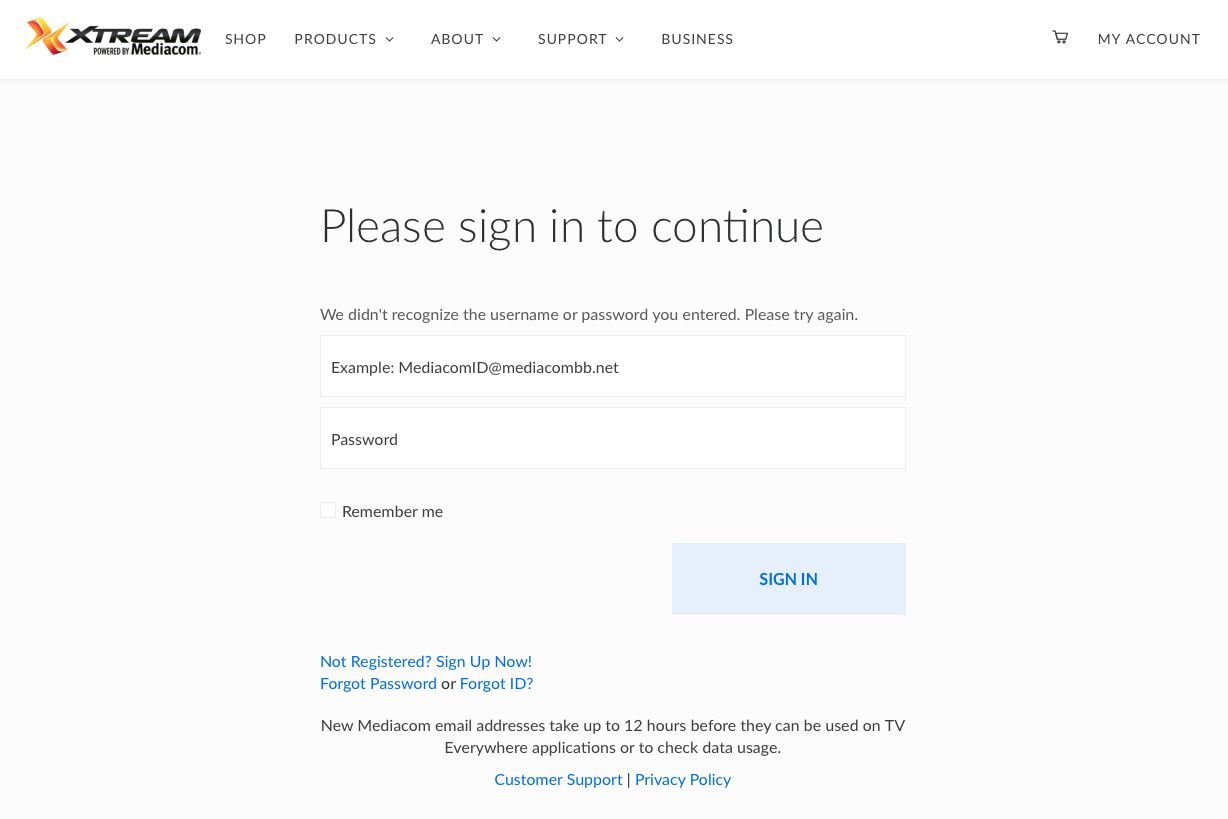
- Be sure you are signed in to your Mediacom Account, if not sign in with your Mediacom email address and password.
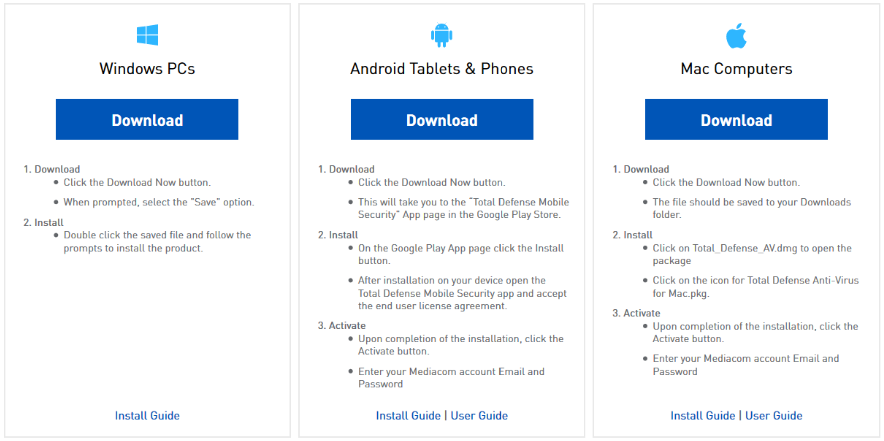
- Click on the "Download" button specific to your device.
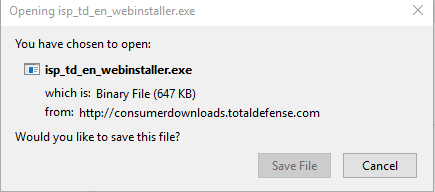
- For Windows PCs this will open a dialog box. Save/Run the file.
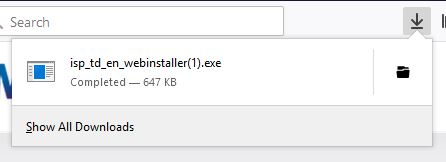
If you use Firefox, it will look like this:
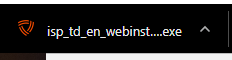
If you use Chrome, it will look like this:
If you use Internet Explorer, it will look like this:

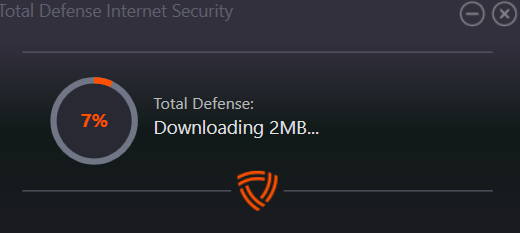
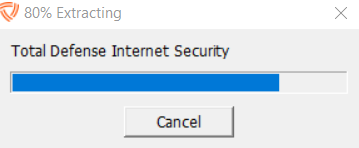
- Allow the File time to Download / Extract
2. Install Software
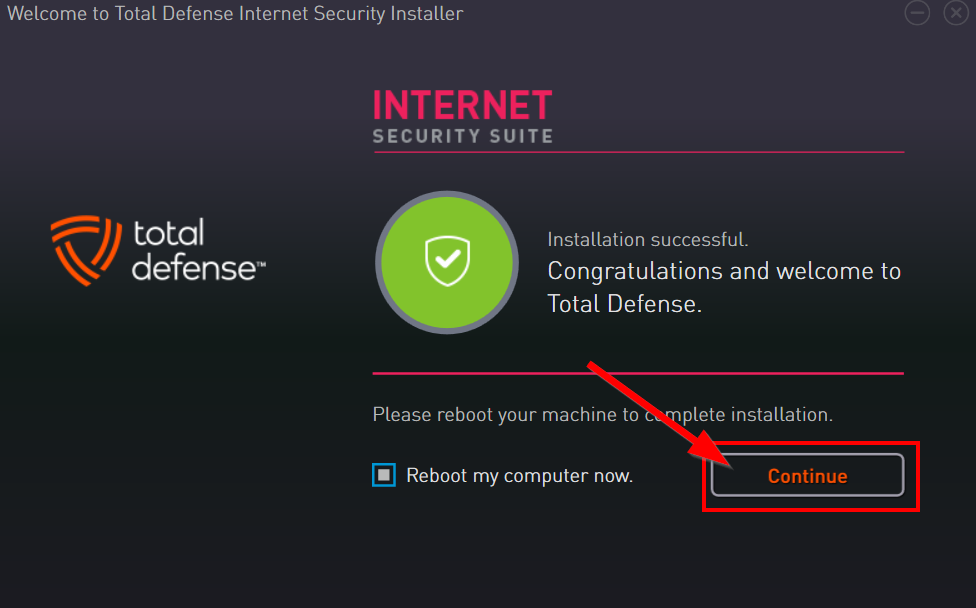
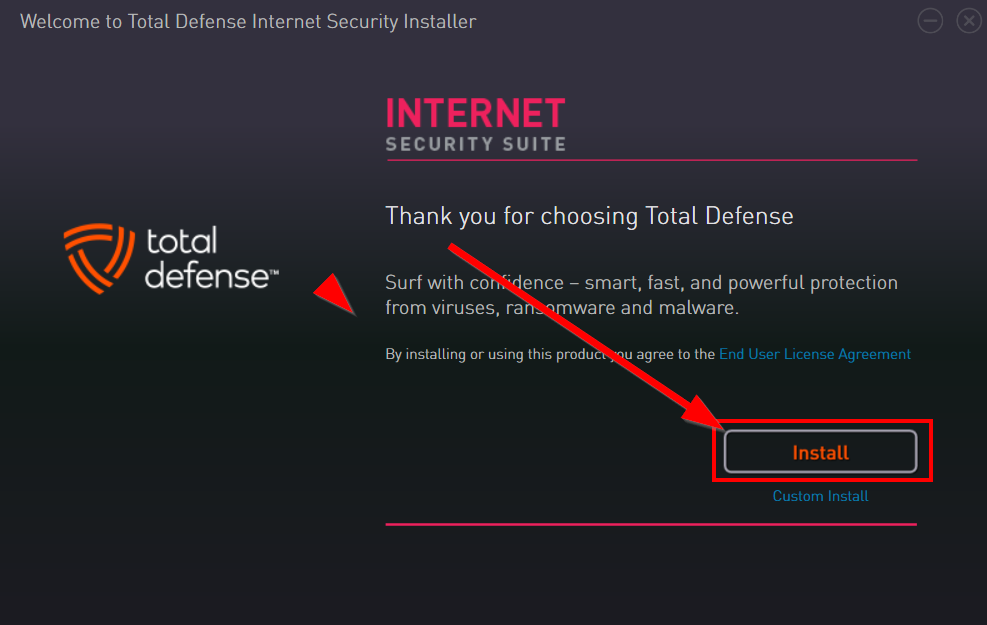
- Click "Install" and allow time for the product to install.
- Click "Finish" or "Continue" depending on your installation when completed.