Total Defense Mobile Security works on any device running Android 5.0 and up. An active internet connection is required for in-the-cloud threat scanning.

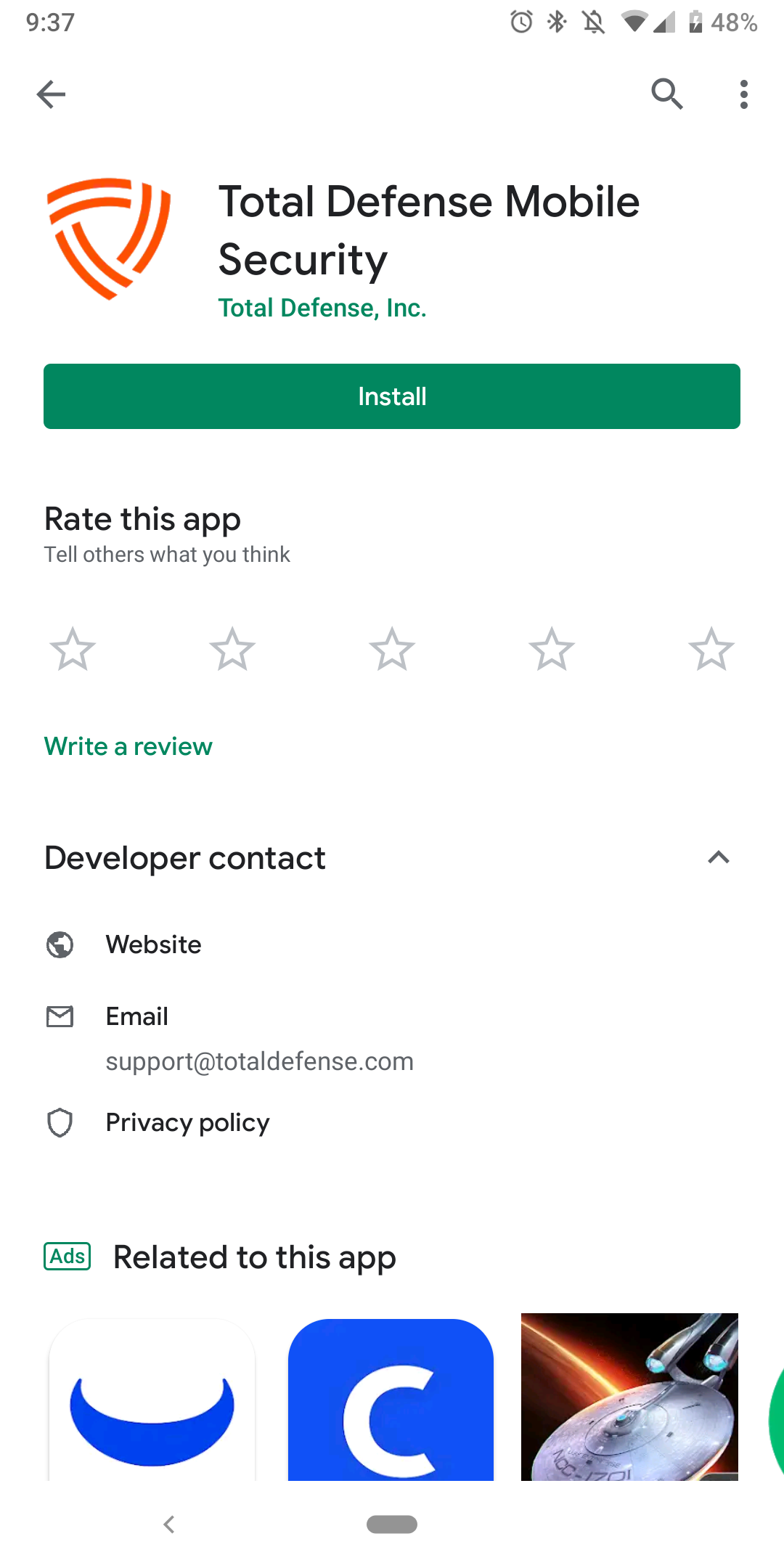
- Navigate to the Google Play Store and install the "Total Defense Mobile Security" application.
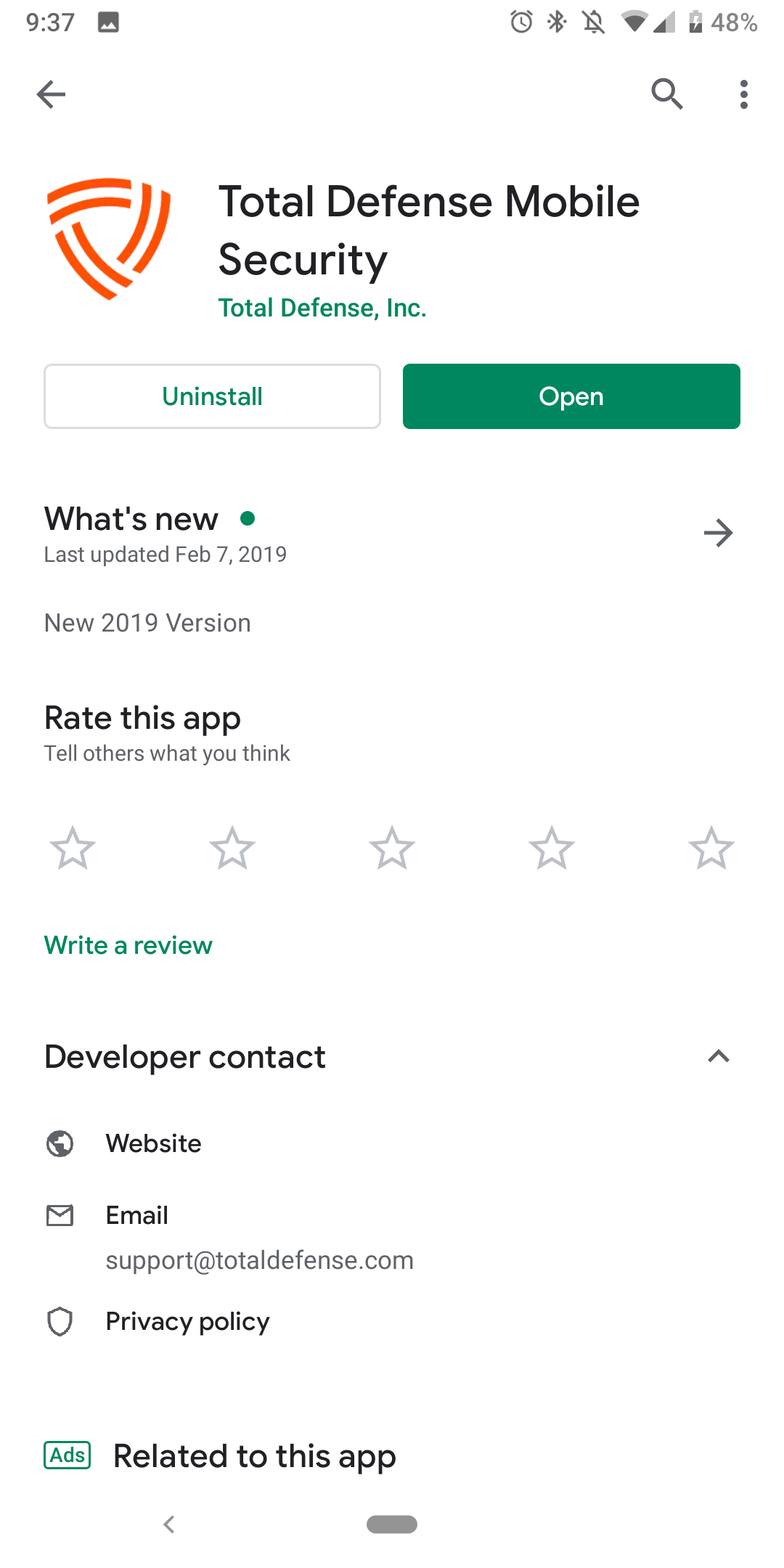
- After installation, open the application.
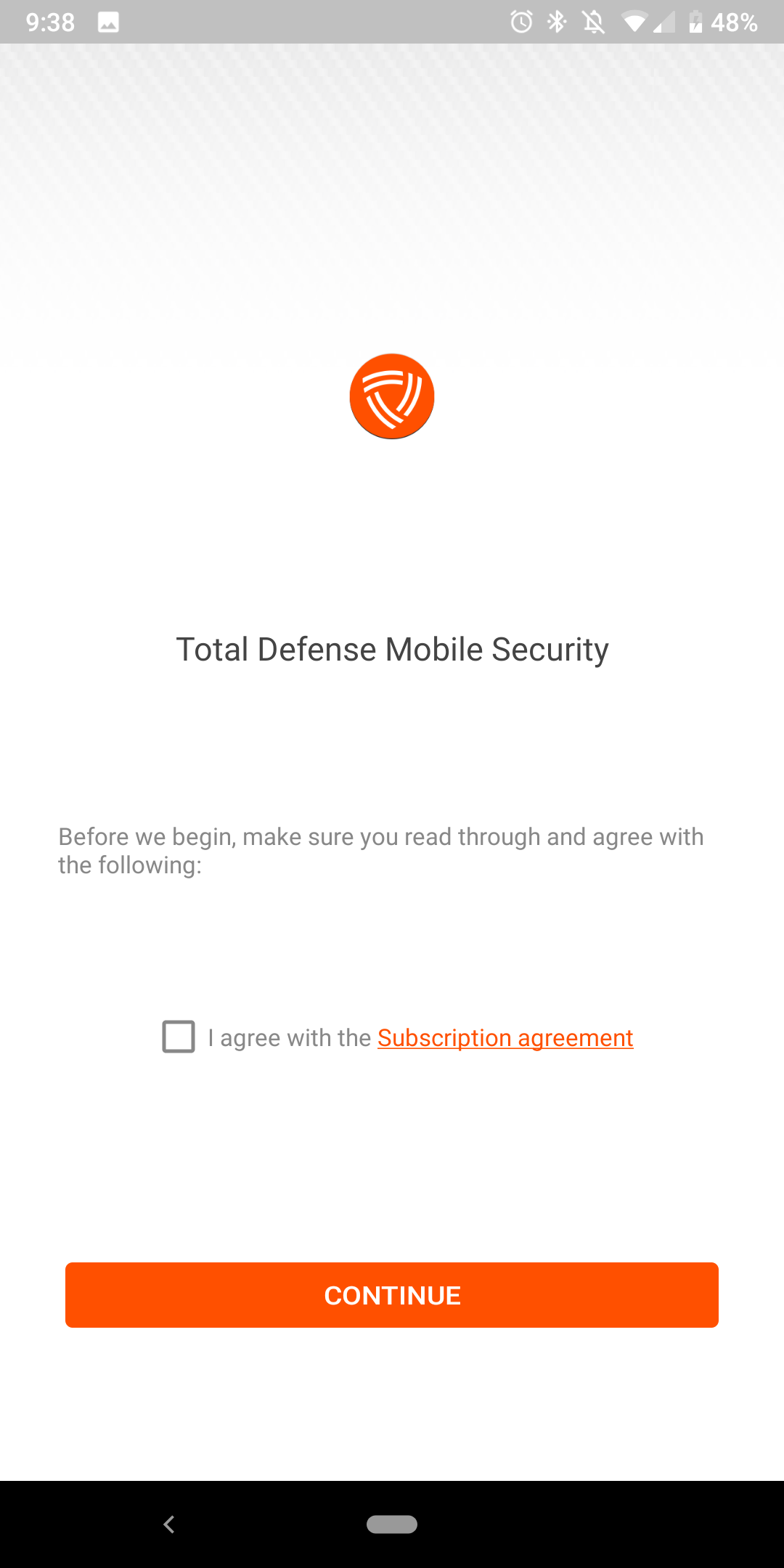
- Tap the box to agree to our subscription agreement and tap on "Continue"
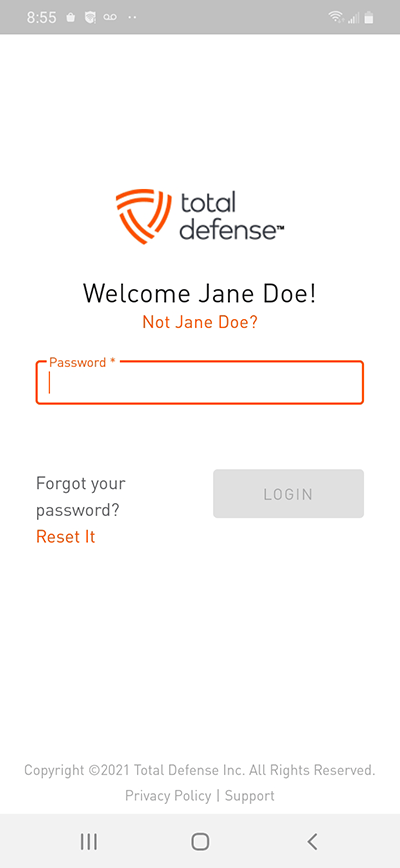
- Next, sign into your Total Defense account or create a new one if you are a new user.

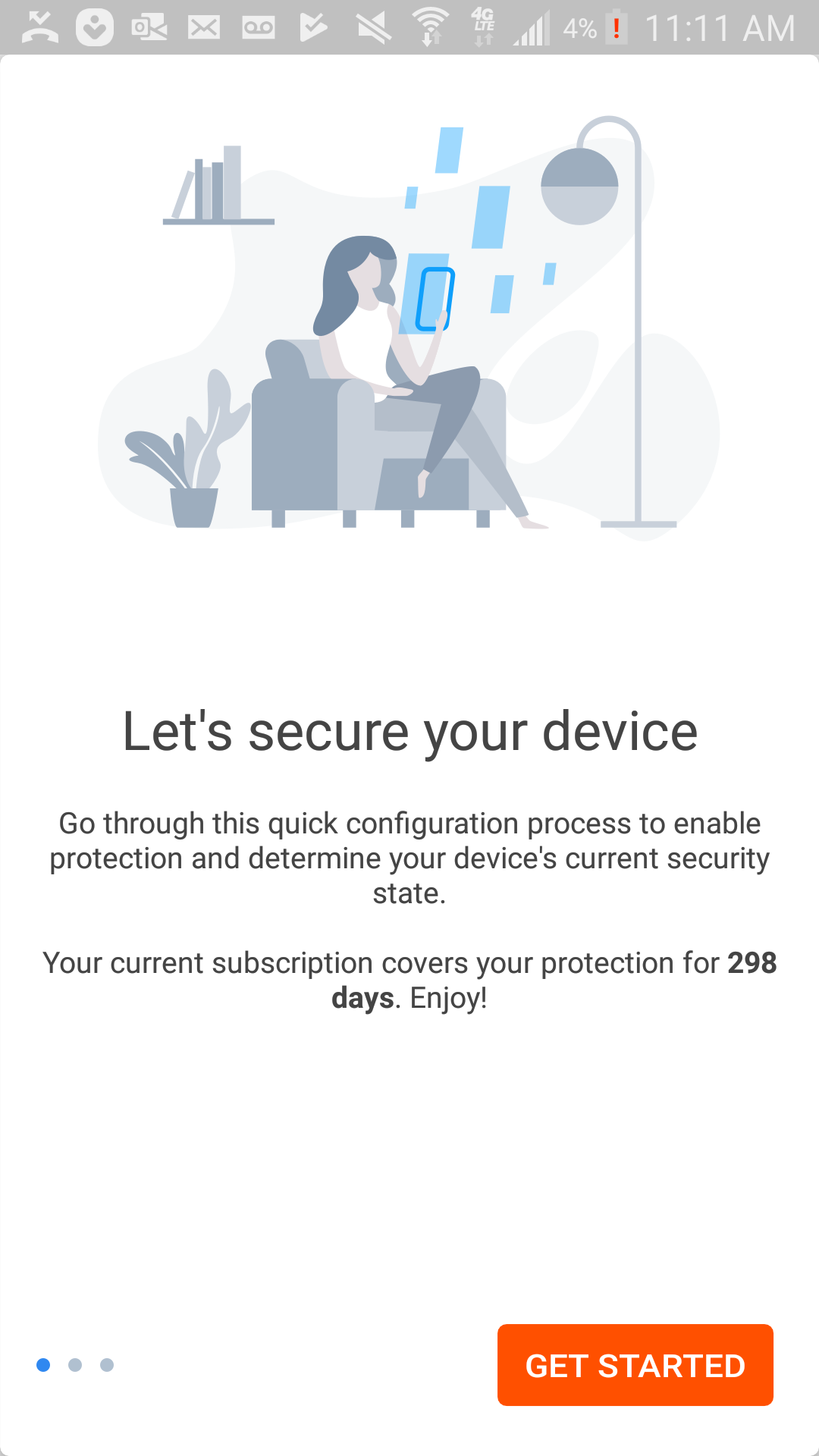
- Tap "Get Started"
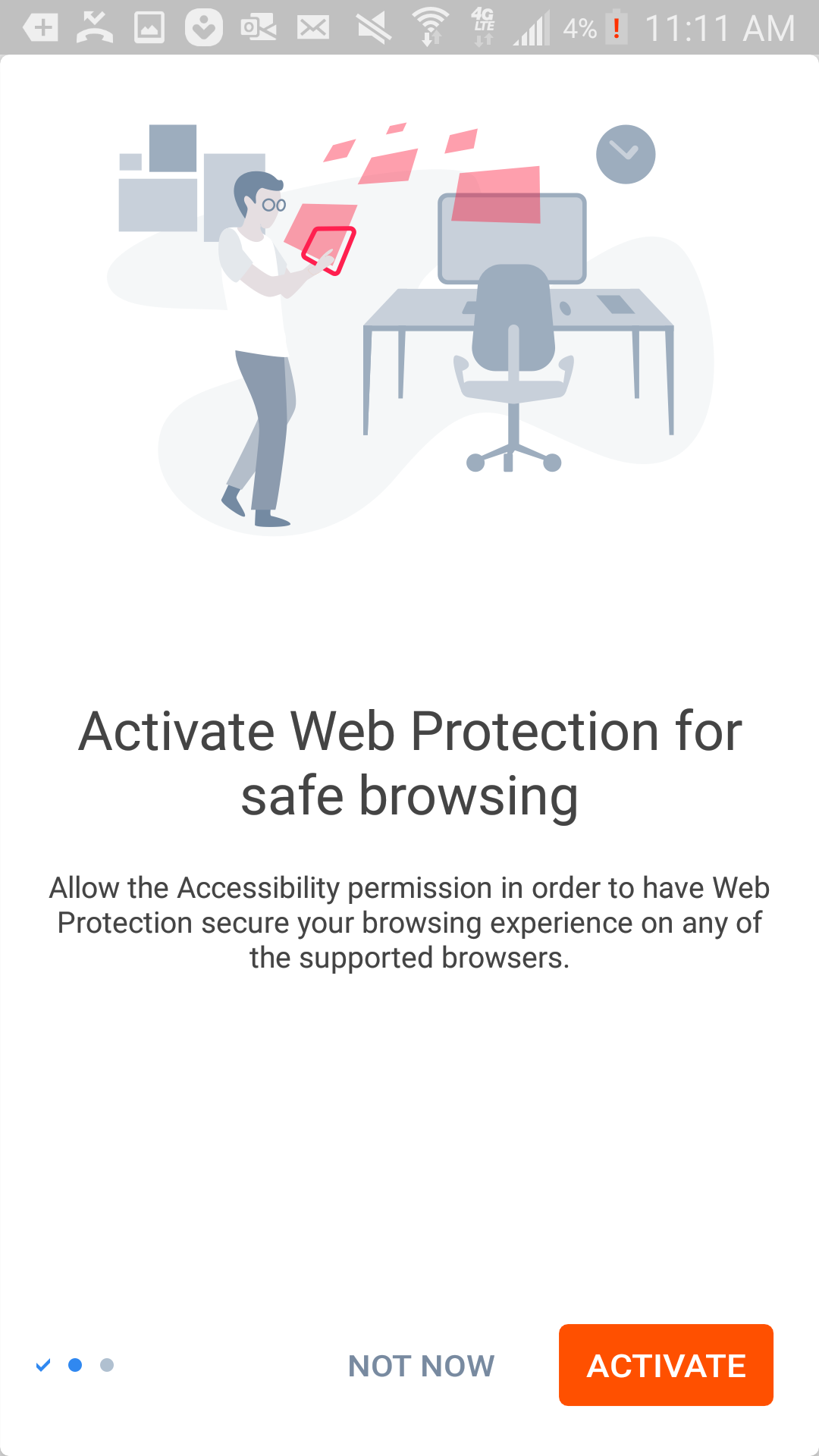
- Tap "Activate"
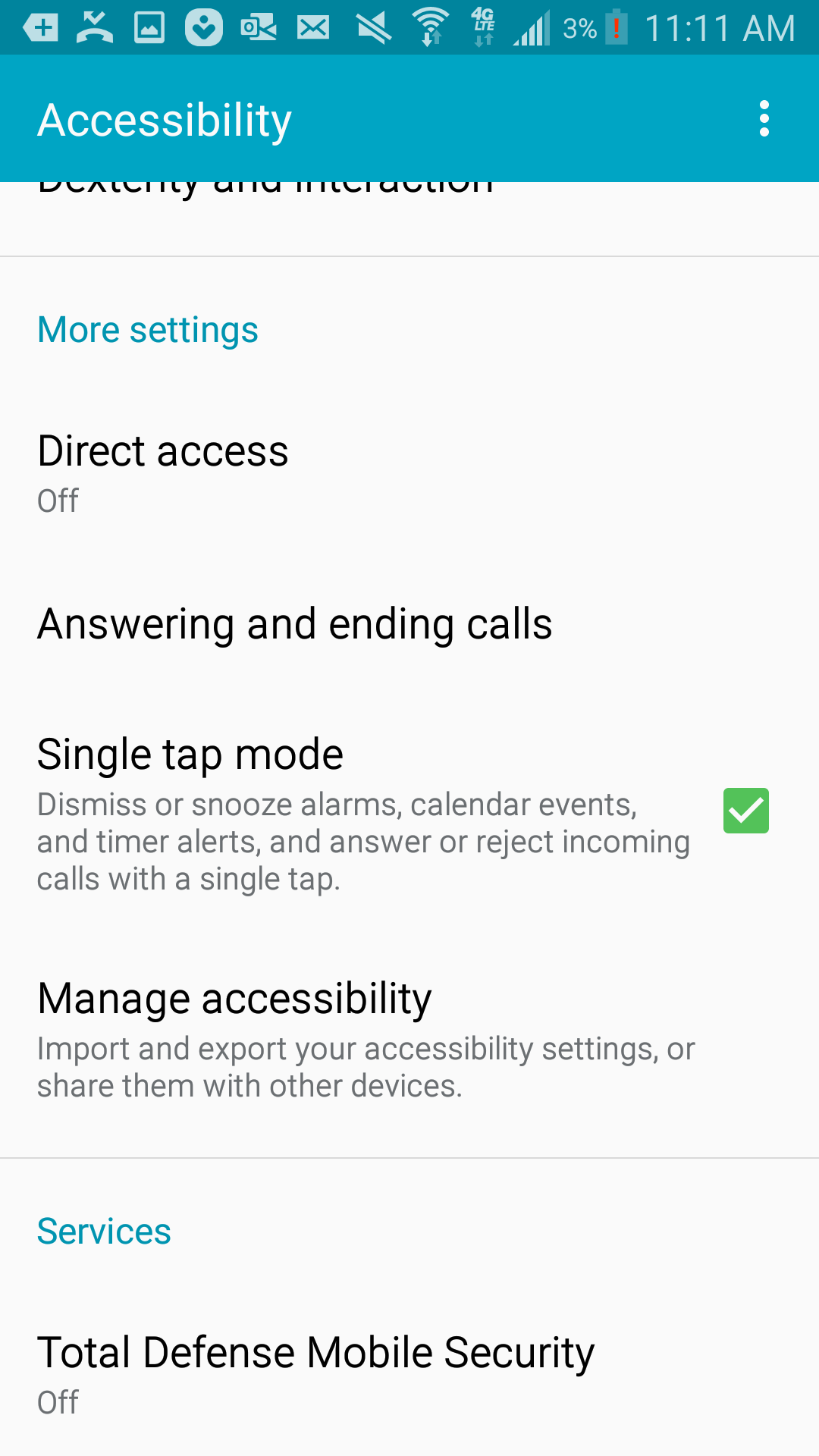
- Scroll down and tap on "Total Defense Mobile Security"
- Tap on the switch in the top right and tap "OK".
Then, go back to the Total Defense app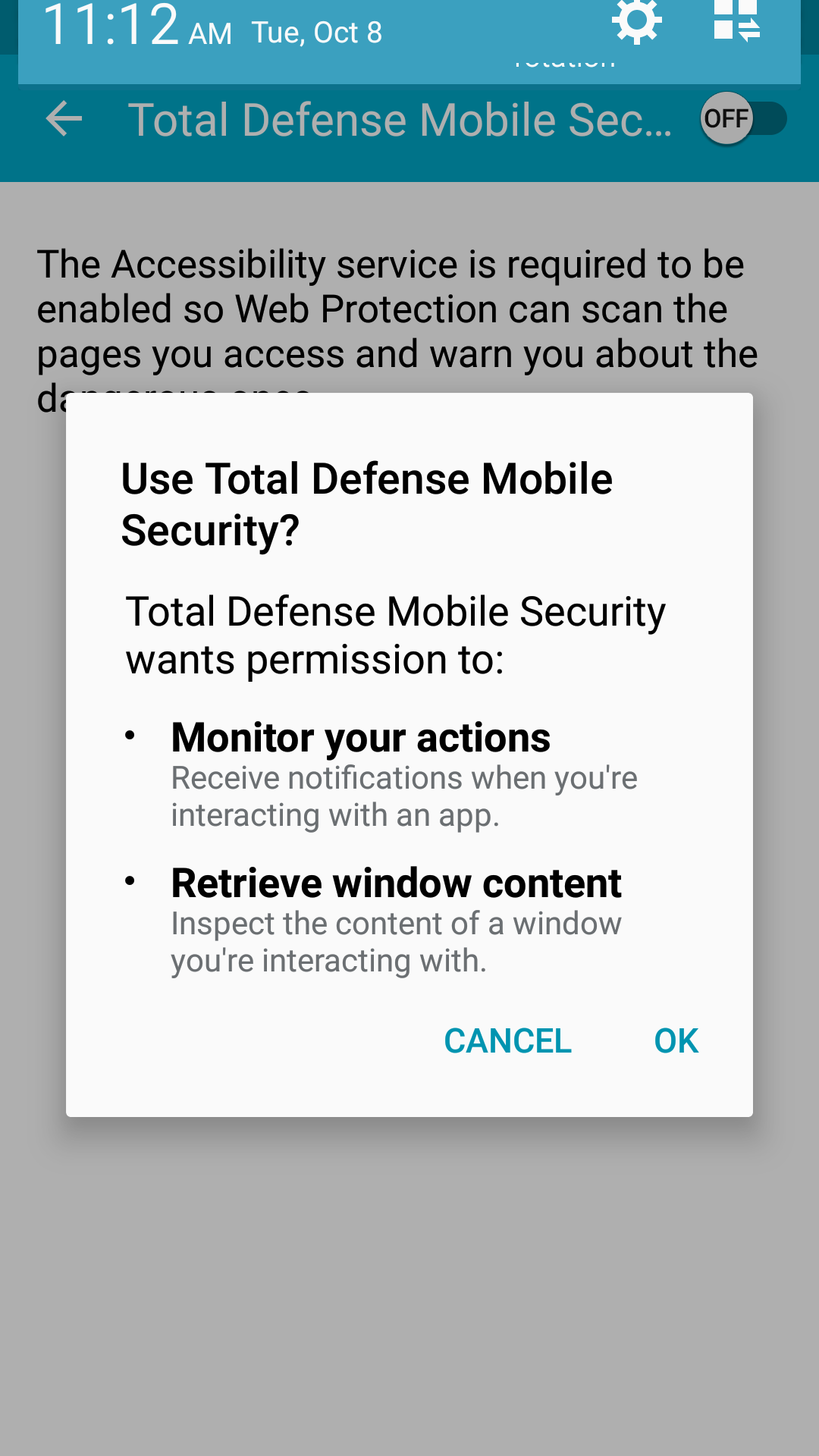
- Tap "Scan Now"
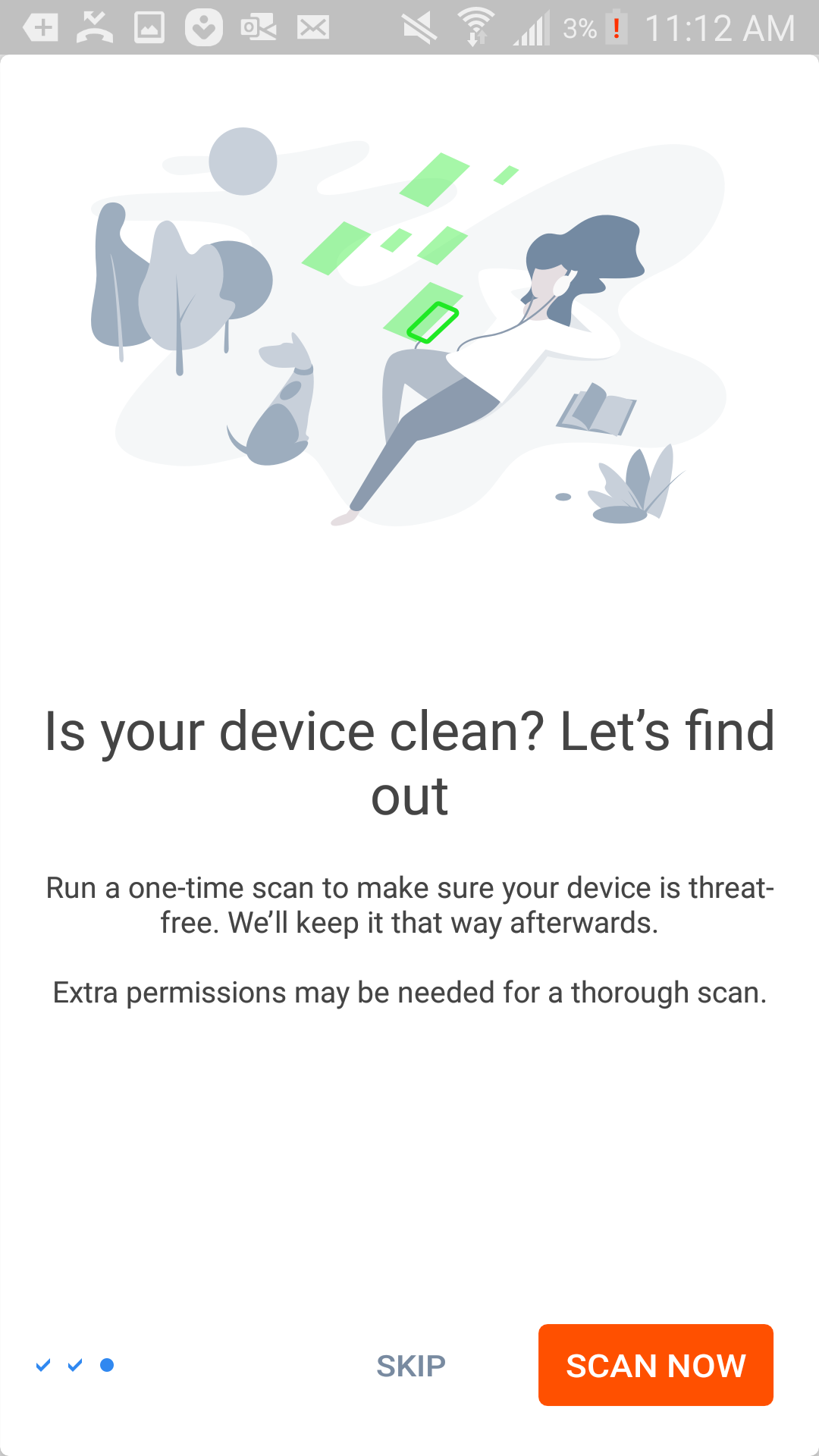
- Tap "Allow" to allow these permissions
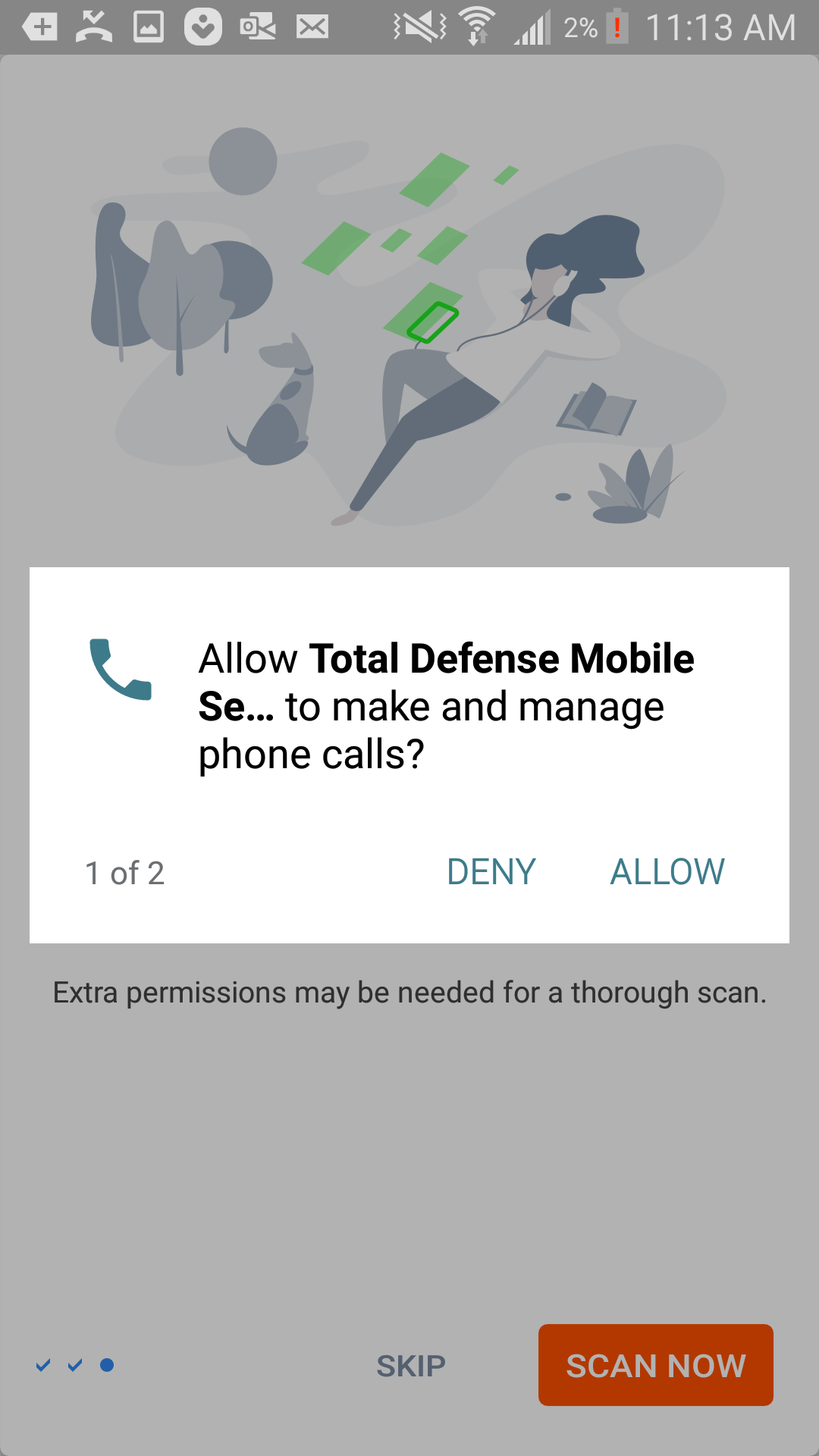
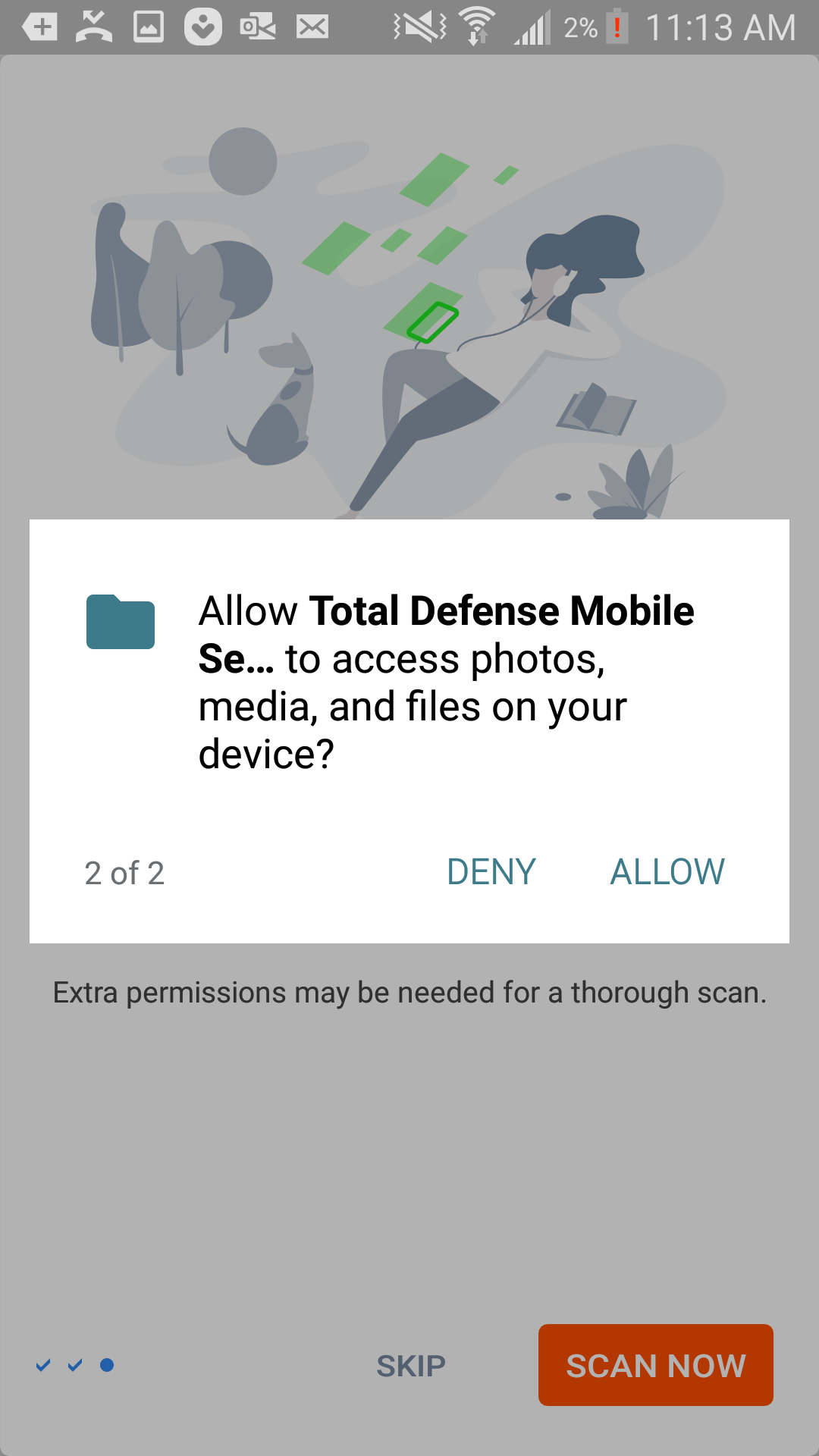
- Tap "Got It"
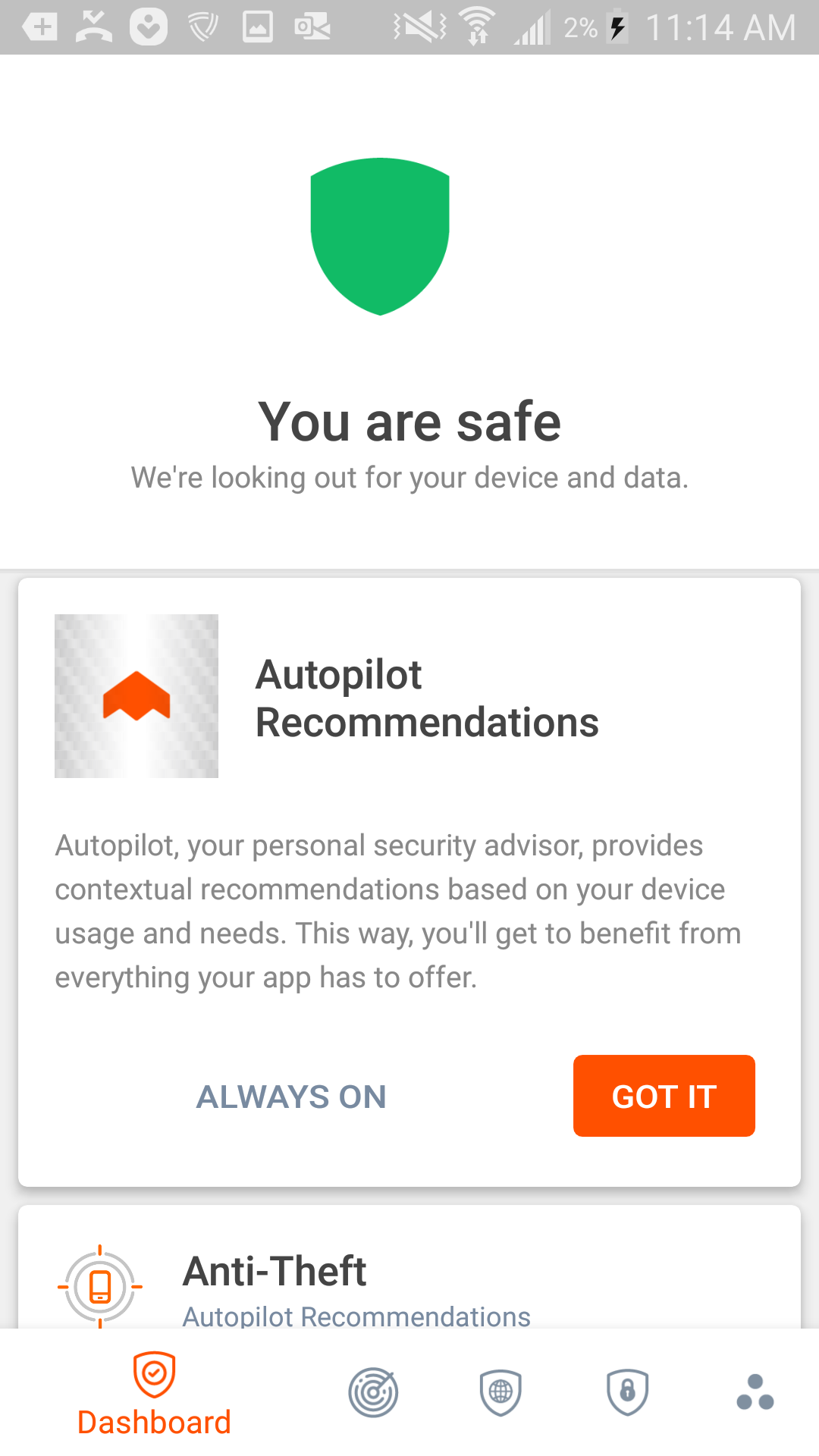
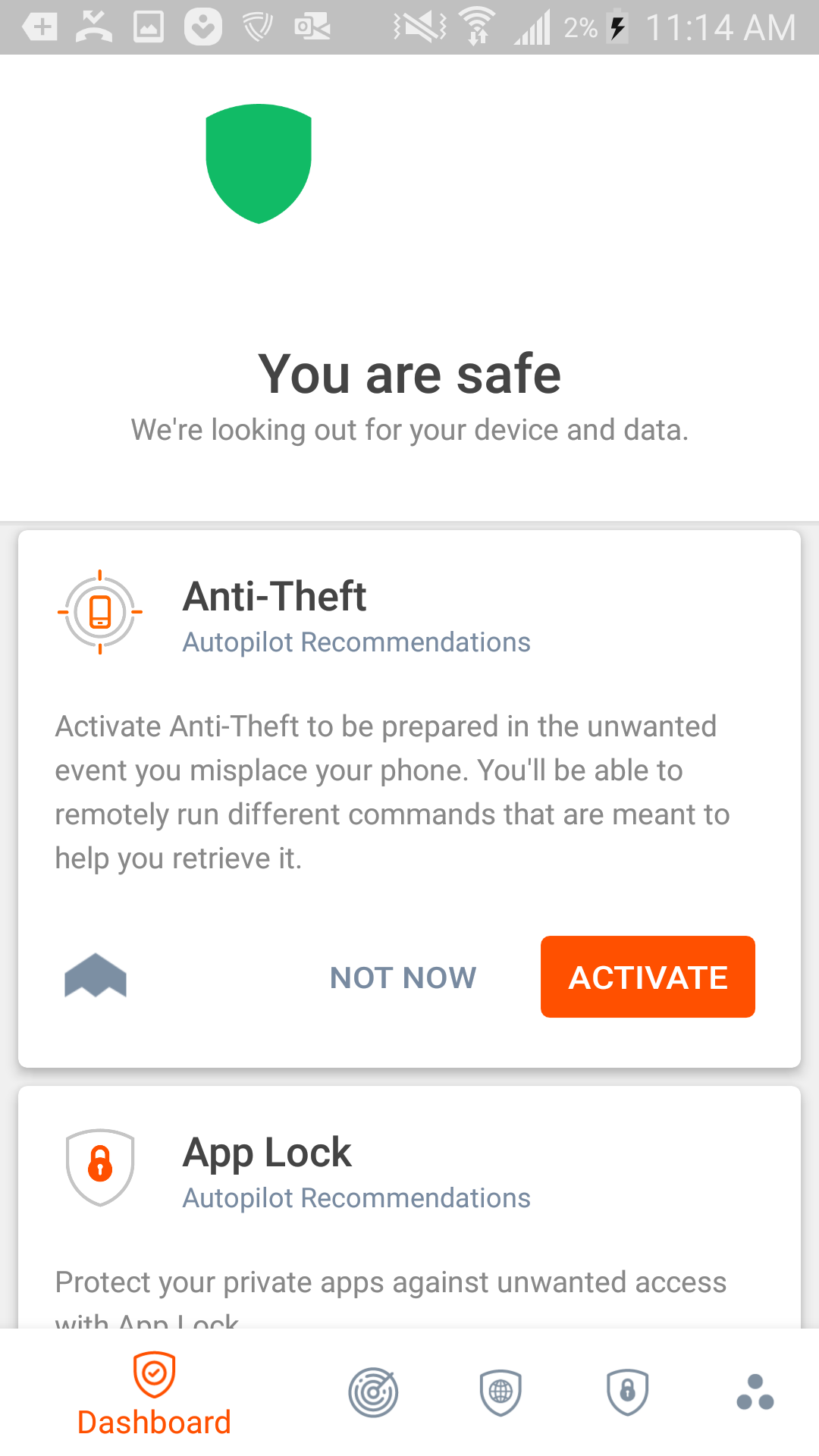
- Tap "Activate"
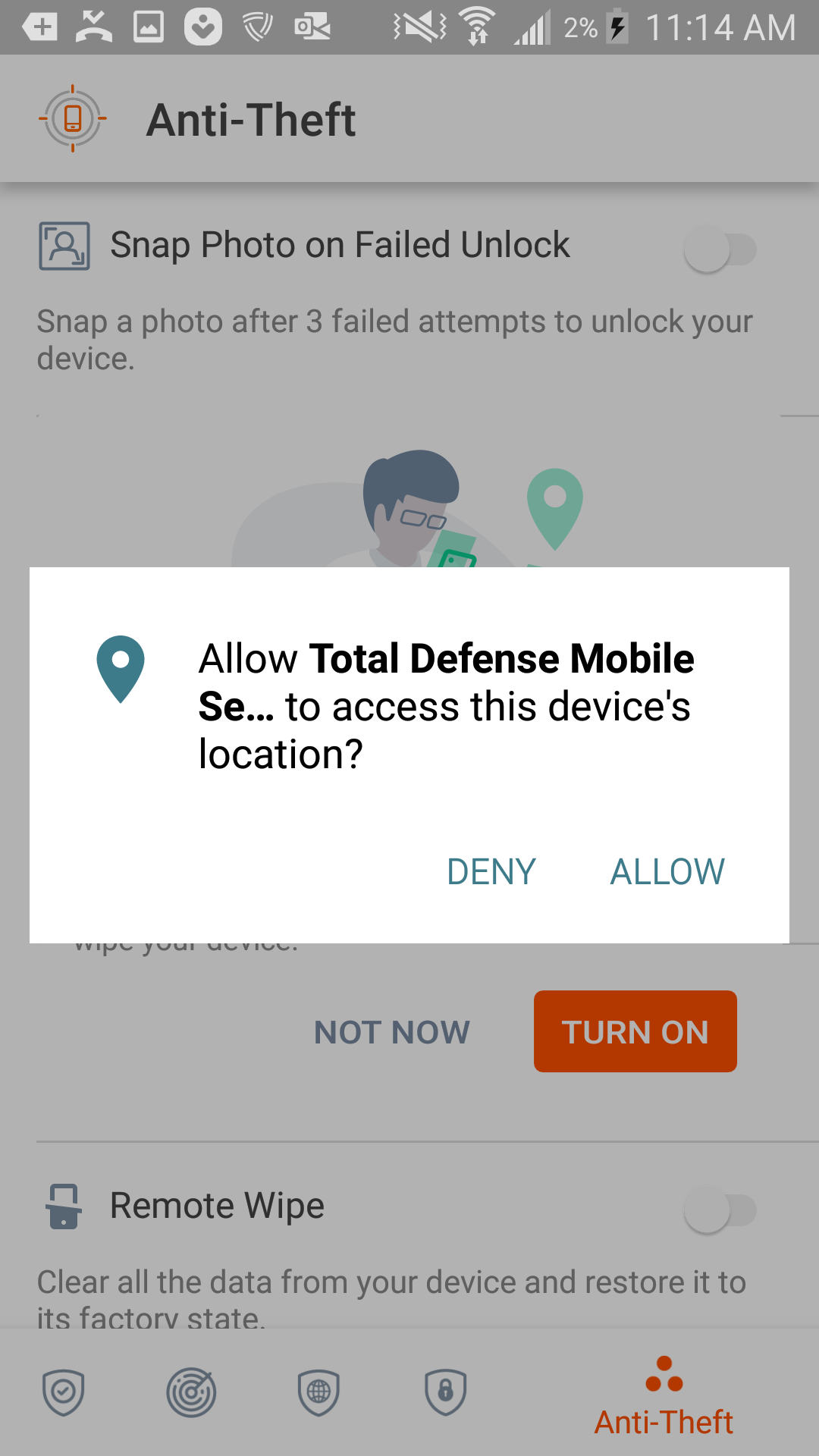
- Tap "Allow"
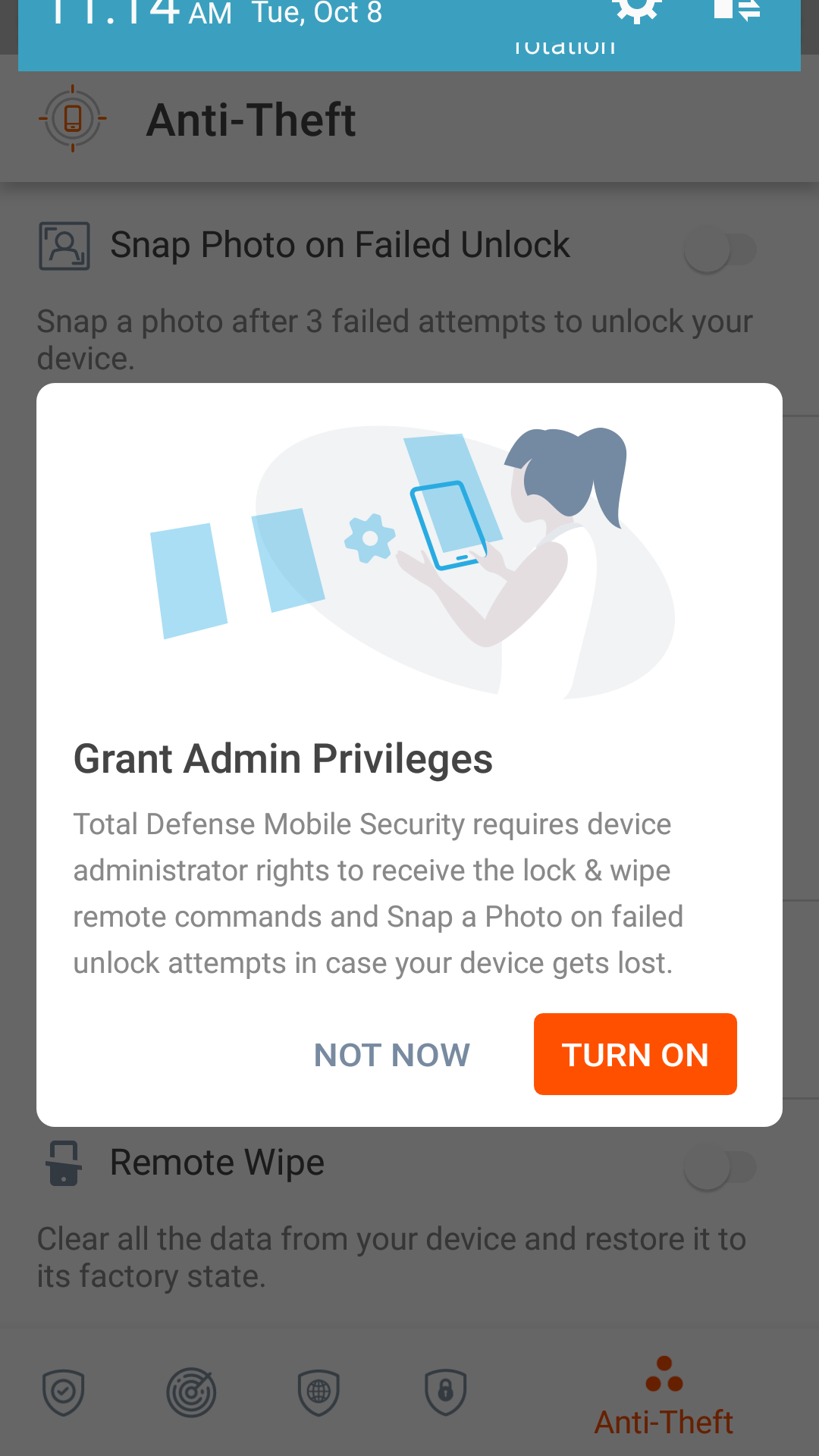
- Tap "Turn On"
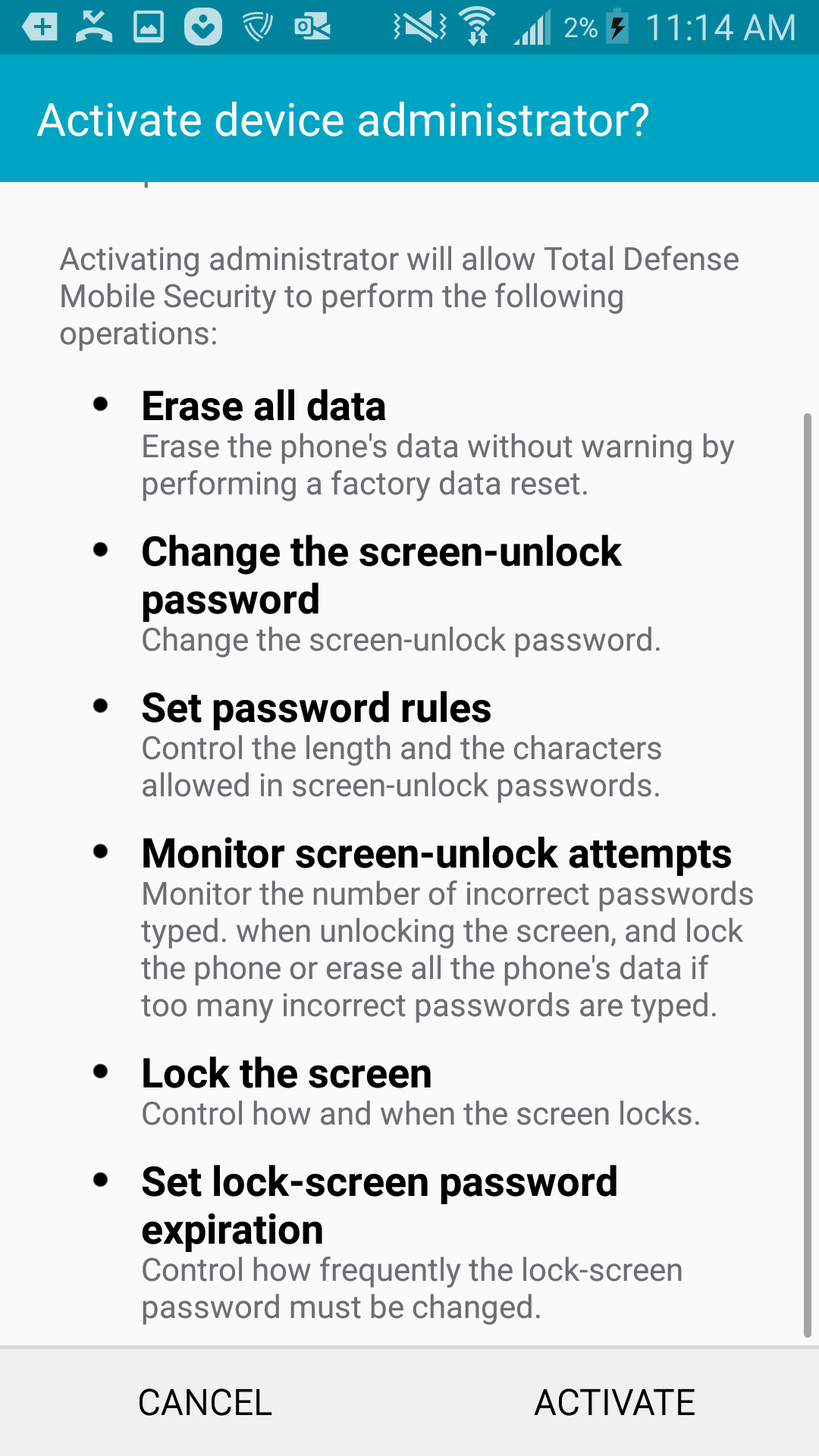
- Tap "Activate" in the bottom right
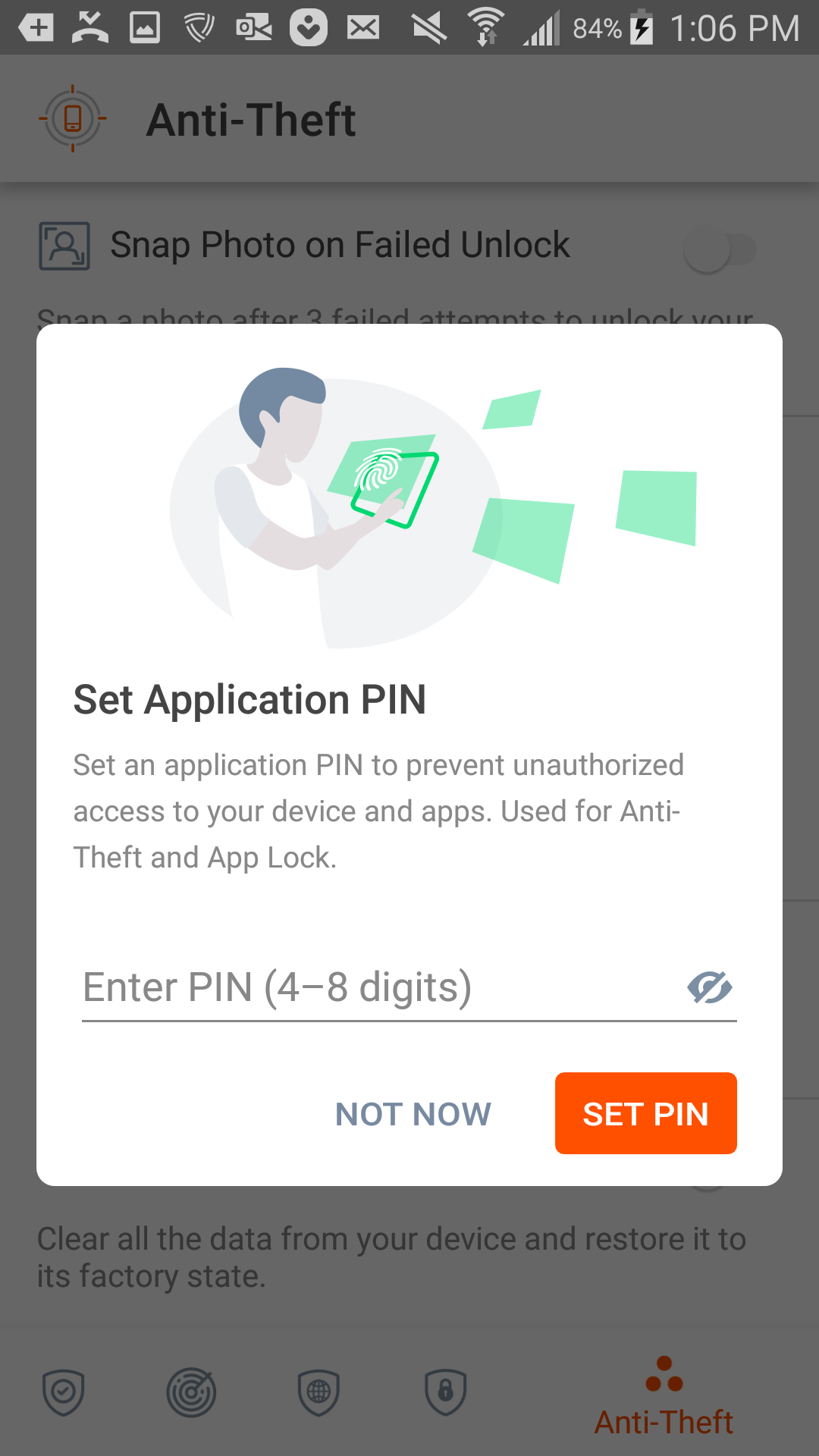
- Set your pin to 4 digits that you'll easily remember. (You can always visit central.totaldefense.com to pull this pin up in case you forget it)
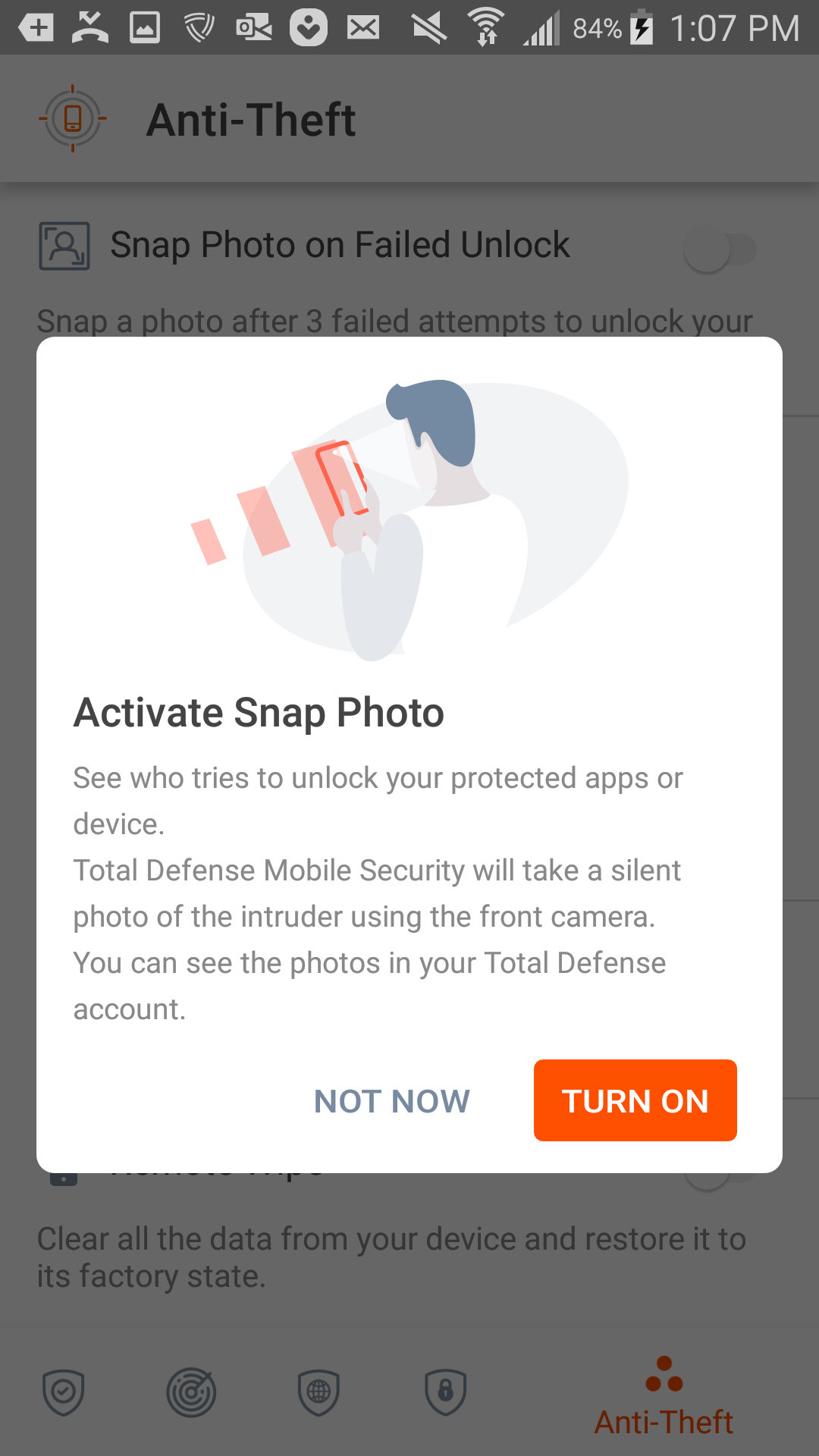
- Tap "Turn On"
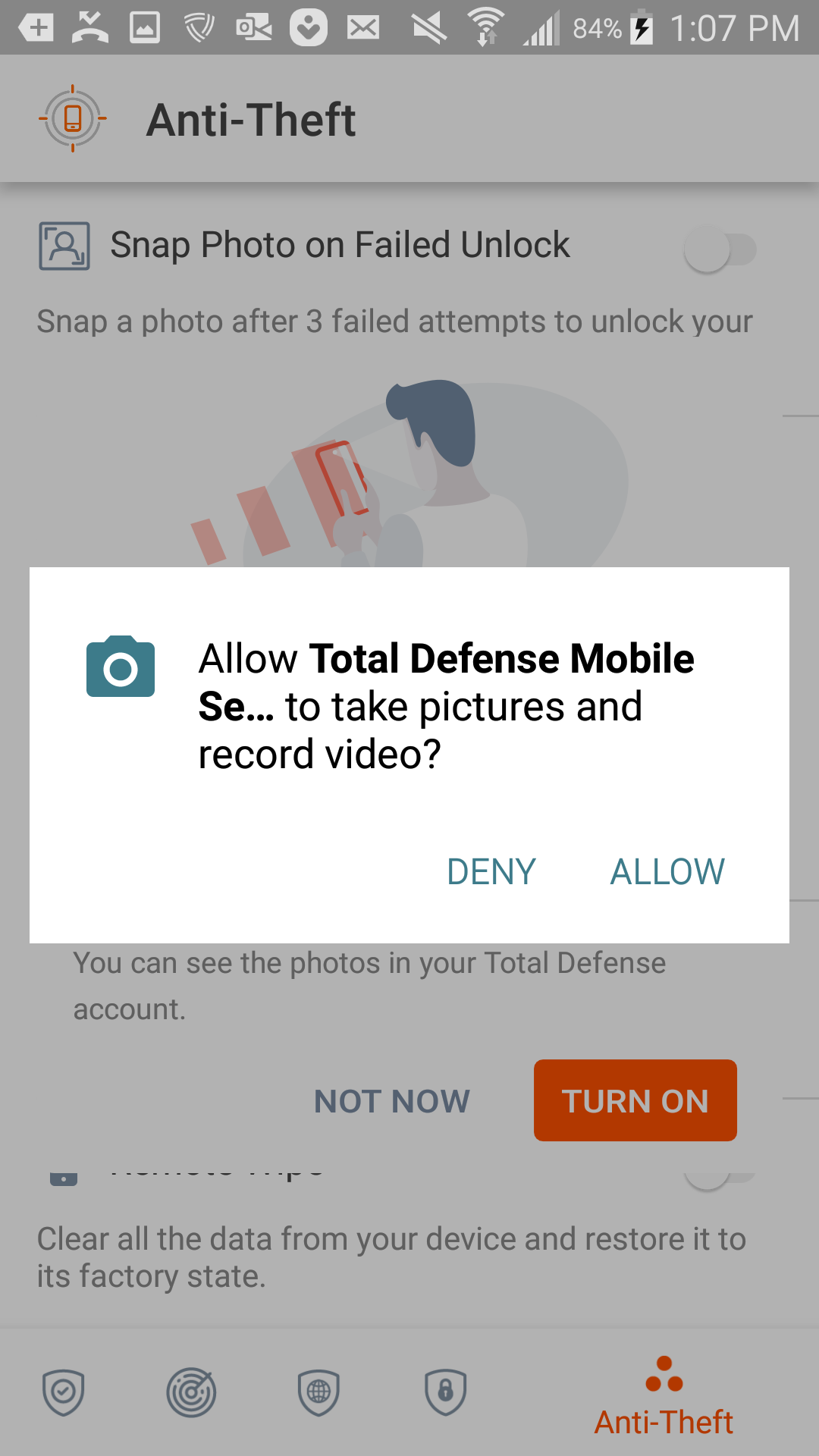
- Tap "Allow" to allow the permission
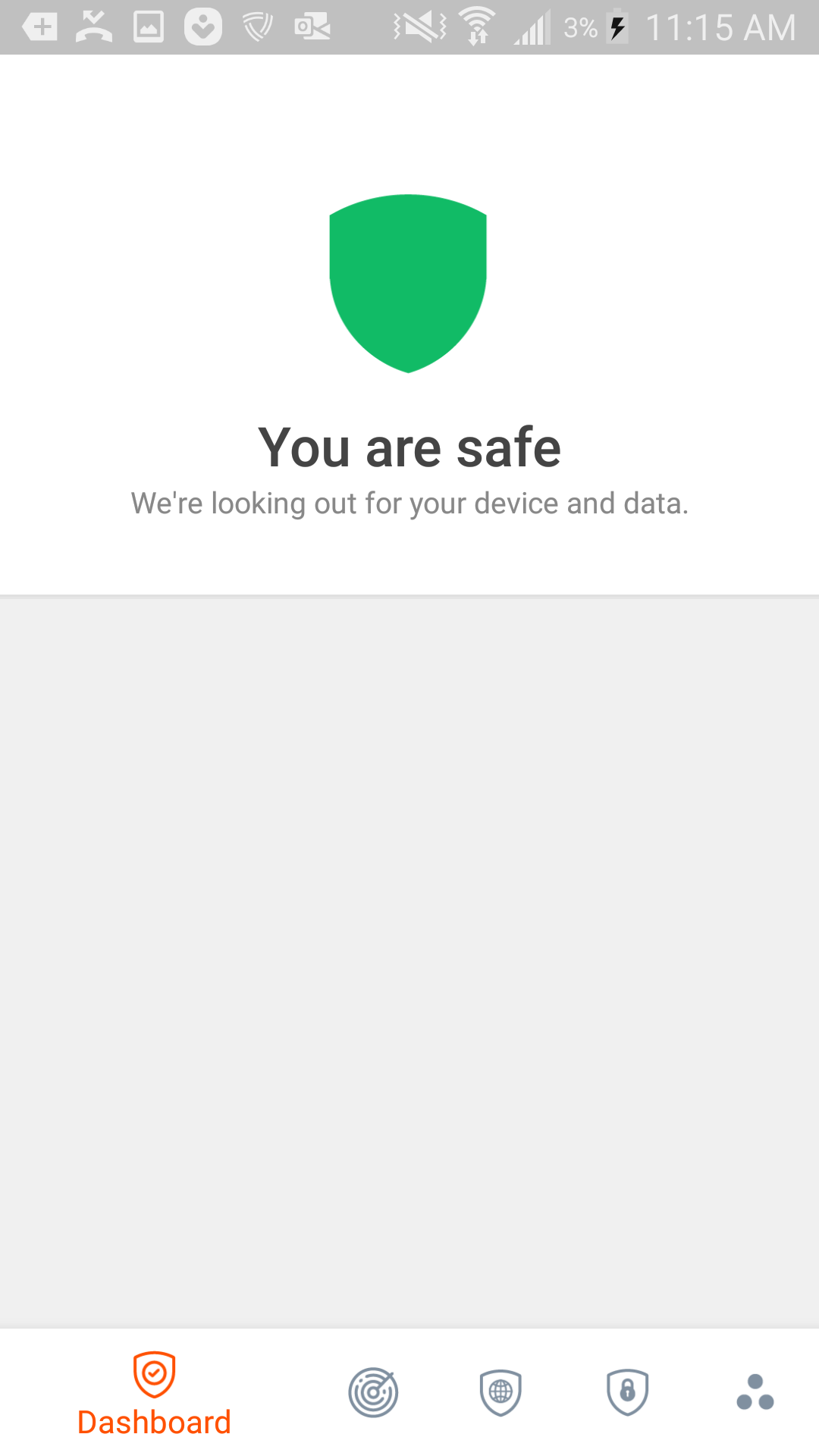
- Congratulations! Your mobile device is protected by Total Defense!
More information: Mobile Security FAQs