First we will have to make sure that the Total Defense Mobile Security application is disabled in the Device Administrator setting. To do this, follow these steps:
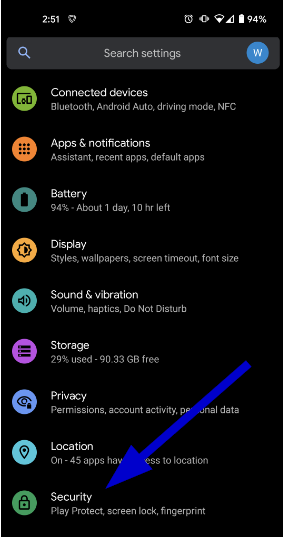
- Go to the Settings area on your device and tap Security. (You can also use the search feature and type in "admin")
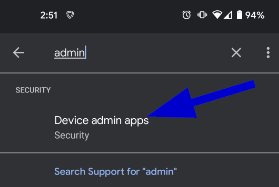
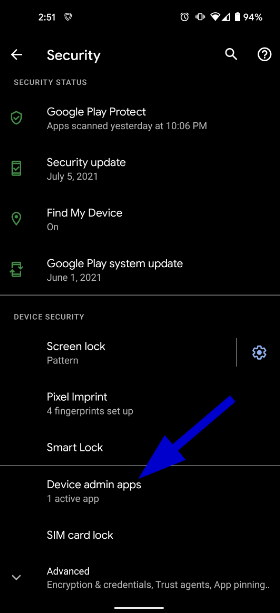
- Tap Device Admin Apps.
- Tap on the switch to turn Total Defense off (if this is already off you can skip to step 5).
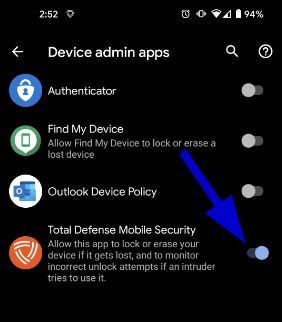
- Deactivate this device admin app
- If you are asked, input the pin code that was created when the product was installed
- Leave the settings menu and open the Play store.

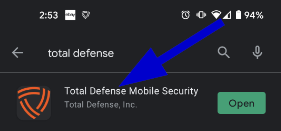
- Search for the Total Defense Mobile Security app and tap on the name.
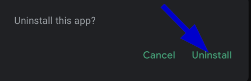
- Tap Uninstall.
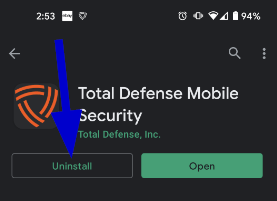
- Tap on Uninstall again to complete the uninstall.